Search Seasonality Planner
Search Seasonality Planner
Turn monthly search volume into a seasonal index, season-adjusted click targets and a publish-by month.
When demand for each keyword peaks, how much to scale traffic expectations month by month, and when to start production so content is ranking before the peak.
- Excel workbook (.xlsx), opens in Google Sheets
- PDF field guide, 9 to 11 pages
- Blank and worked CSV templates
- DataForSEO import script
Free, no email required. Version 3.0, updated November 2026.
=IF(H13="","",IF(H13<>"Ready","n.a.",E13*I13))The formula above is the real one from cell J13. Scroll it sideways to read the whole rule.
Connected to the DataForSEO API
This template is designed around one DataForSEO endpoint. Pull the data, convert it with one command, and the workbook does the rest.
DataForSEO Labs: Keyword OverviewSearch volume, monthly history, difficulty and intent for a list of keywordsdataforseo_labs/google/keyword_overview/live
Save the JSON responseThe full API response, kept as your source of truth.response.json
Run the import scriptOffline. No API calls, no credentials.dataforseo_import.py seasonality
Paste at A13Dashboard, checks and action list update instantly.Search Seasonality Planner.xlsx
Column map for this template:Filled by the APIAudit trail (automatic)You add
What the search seasonality planner decides
Seasonal keywords punish late publishing. A ski jacket guide published in November catches the tail of the season; the same guide published in August has time to get crawled, indexed and climb before demand arrives. Yet most content calendars plan around the month a topic is popular, not the months before it.
This seasonal keyword planner calculates a seasonal index for every keyword-month (that month's searches ÷ the monthly average), scales your baseline clicks by it, and works backwards from each month by your lead time to show the month production should start. The Dashboard charts the index so you can see each keyword's season at a glance.
Who it's for
- Ecommerce and retail SEOs with seasonal catalogs
- Travel, events, education and tax-season businesses
- Content leads building an annual calendar
- Analysts explaining why traffic 'dropped' in a predictable month
Where it fits in your workflow
The search seasonality planner answers one question. These three templates answer the questions around it:
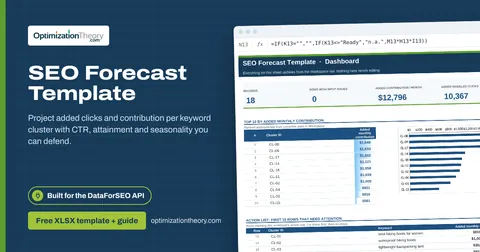
- SEO Forecast Template: how much additional traffic and monthly contribution a portfolio of keyword clusters could add, with every assumption visible.
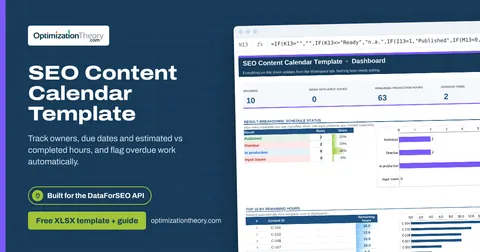
- SEO Content Calendar Template: what's published, what's in production, what's overdue, and how many production hours remain against your capacity.
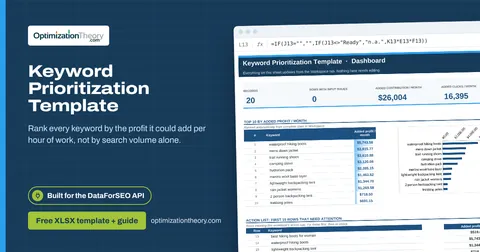
- Keyword Prioritization Template: which keywords deserve your next hours of work, ranked by the monthly profit each could add per hour invested, with every assumption visible and editable.
What's inside the download
One ZIP with the workbook, a 7-column input template (blank and filled), the PDF field guide and an offline script that converts saved DataForSEO responses into the input CSV. The workbook has five tabs.
How the seasonal keywords calculation works
Seasonal index = monthly searches ÷ (annual total ÷ 12). An index of 1.80 means that month runs 80% above average. Season-adjusted clicks = baseline clicks × index. Start month = the peak month minus your lead months, wrapped around the calendar.
The key formula, exactly as it appears in the workbook
=IF(H13="","",IF(H13<>"Ready","n.a.",E13*I13))
| Result column | Plain-English formula | What it tells you |
|---|---|---|
| Seasonal index | Searches in month ÷ (12-month searches ÷ 12) | Month searches divided by the 12-month average. |
| Season-adjusted clicks | Average-month clicks × Seasonal index | Average-month clicks multiplied by seasonal index. |
| Start month | MOD(Month number-Production lead months-1,12)+1 | Calendar month to start production, wrapping to the previous year when required. |
How to use the search seasonality planner
- Pull 12 months of volumeExport monthly search volume for each keyword. Use a full year so the annual total is complete.
- Enter one row per keyword-monthEach row is one keyword in one month (1 to 12), with that month's searches and the 12-month total.
- Add baseline clicks and lead timeBaseline clicks are your average monthly clicks today. Lead months is how far ahead you need to publish, typically 2 to 4.
- Plan from the Start monthRead the seasonal index chart, then schedule work by the Start month column, not the peak month.
The worked example in the Workspace tab. Clear the lime input cells, paste your CSV at A13 (values only) and every result recalculates.
Fill the search seasonality planner with DataForSEO
Every template in this library is built to run on DataForSEO data. This one uses DataForSEO Labs: Keyword Overview: search volume, monthly history, difficulty and intent for a list of keywords.
A helper command builds the input rows from saved API responses. The seasonality command expands each keyword's 12-month history into 12 rows and calculates the annual total. Add base clicks and lead months yourself.
- Request the dataSend this request with your DataForSEO API login (HTTP Basic auth).
POST https://api.dataforseo.com/v3/dataforseo_labs/google/keyword_overview/live [ { "keywords": [ "your keyword 1", "your keyword 2" ], "location_code": 2840, "language_code": "en" } ]
- Save the full JSON responseSave the complete response, not just the task ID, next to the template folder.
- Convert it with the included scriptIt runs offline, makes no API calls and never sees your credentials.
python3 Automation/dataforseo_import.py seasonality --input keyword-overview.json --output my-inputs.csv
- Add what the API can't knowAverage-month clicks, Production lead months
- Paste at A13Clear the demo rows, paste the CSV values at Workspace cell A13 and the dashboard updates.
| Fills automatically from DataForSEO | You add |
|---|---|
| Keyword, Month number, Searches in month, 12-month searches | Average-month clicks, Production lead months |
Source reference fills automatically with the task ID, endpoint, location, language, device and snapshot time, so every row is traceable. Before a big pull, estimate the cost with the DataForSEO pricing calculator. The same steps, plus an example request file, are in the download's Automation folder.
Worked example: Northbeam Outdoor
Every template ships filled with data from Northbeam Outdoor, a fictional outdoor-gear retailer that appears across all 40 workbooks, so you can see what useful output looks like before you add your own. This workbook has 24 example rows.
The down jacket peaks in December at well over twice its average month, so production needs to start in October. Hiking boots run the other way, peaking in late spring.
Top 10 by season-adjusted clicks
| # | Keyword | Season-adjusted clicks |
|---|---|---|
| 1 | mens down jacket | 3,903 |
| 2 | mens down jacket | 3,191 |
| 3 | waterproof hiking boots | 2,683 |
| 4 | waterproof hiking boots | 2,683 |
| 5 | waterproof hiking boots | 2,439 |
Input fields
Keep the columns in this order when you prepare a CSV. A missing observation stays blank; use 0 only for a measured zero or a verified No. Fields marked DataForSEO can be filled automatically by the included script.
| CSV field | Column | Meaning and rule | Source |
|---|---|---|---|
| keyword | Keyword | Exact query in the selected country and language. | DataForSEO: keyword |
| month | Month number | Calendar month 1 through 12. | DataForSEO: month |
| monthly_searches | Searches in month | Search volume for this keyword-month from monthly_searches. | DataForSEO: monthly_searches |
| annual_total | 12-month searches | Sum of the same 12 monthly values for this keyword. | DataForSEO: annual_total |
| base_clicks | Average-month clicks | Assumed clicks in an average month, before seasonality. | Your records |
| lead_months | Production lead months | Whole months needed before peak demand. | Your records |
| source_ref | Source reference | Task ID, export filename and observation scope. Retain the untouched source response separately. Optional. | DataForSEO: source_ref |
Reading the result honestly
An index of 2 means twice the trailing 12-month average. It does not mean demand doubled year over year.
Limits. Historical patterns can shift. The annual total must cover the same 12 monthly observations.
Seasonal keywords mistakes to avoid
Tips from practice
- Feed the index into the SEO forecast template's seasonality column.
- Use the same index to explain month-over-month swings in reporting.
- Pair with the content calendar template so due dates come from Start month automatically.
Frequently asked questions
What is search seasonality?
It's the predictable rise and fall of search demand for a keyword across the year, driven by weather, holidays, school terms and buying cycles.
How do I calculate a seasonal index?
Divide a month's search volume by the average monthly volume for the year. Above 1 is above-average demand; below 1 is below.
How far ahead should I publish seasonal content?
Usually two to four months before the peak, longer for competitive topics or new sites. That's what the lead months input controls.
Where can I get monthly search volume?
Google Keyword Planner, Google Trends (as a relative index), or the DataForSEO search volume endpoint, which returns 12 months per keyword.
Use it with these templates
Each template answers one decision. These are the ones that feed into, or follow from, the search seasonality planner.
31SEO Forecast TemplateLabs: Keyword Overview
Project added clicks and contribution per keyword cluster with CTR, attainment and seasonality you can defend.
23SEO Content Calendar TemplateLabs: Keyword Overview
Track owners, due dates and estimated vs completed hours, and flag overdue work automatically.
01Keyword Prioritization TemplateLabs: Keyword Overview
Rank every keyword by the profit it could add per hour of work, not by search volume alone.
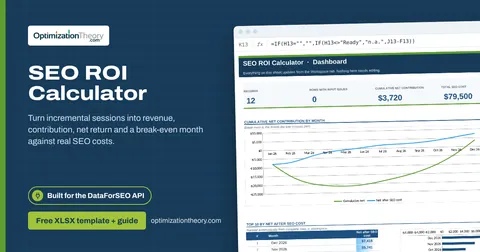
32SEO ROI CalculatorLabs: Ranked Keywords
Turn incremental sessions into revenue, contribution, net return and a break-even month against real SEO costs.
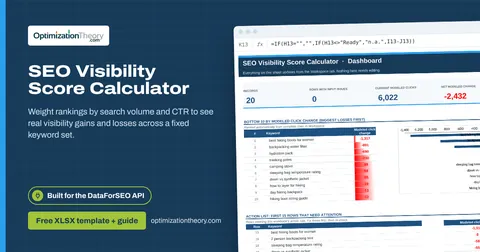
06SEO Visibility Score CalculatorLabs: Ranked Keywords
Weight rankings by search volume and CTR to see real visibility gains and losses across a fixed keyword set.
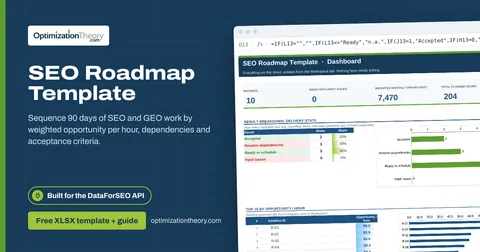
40SEO Roadmap TemplateOn-Page API
Sequence 90 days of SEO and GEO work by weighted opportunity per hour, dependencies and acceptance criteria.
Part of the Keyword Research Toolkit
Get all 6 Keyword Research templates in one ZIP, or the complete set of 40 SEO and GEO templates with the 401-page field handbook.
Further reading on Optimization Theory

Built by Jourdan Rombough, technical SEO and GEO consultant with 15+ years in search. About Jourdan or get an SEO plan.
More on digital marketing in our blog
See all posts