SEO Forecast Template
SEO Forecast Template
Project added clicks and contribution per keyword cluster with CTR, attainment and seasonality you can defend.
How much additional traffic and monthly contribution a portfolio of keyword clusters could add, with every assumption visible.
- Excel workbook (.xlsx), opens in Google Sheets
- PDF field guide, 9 to 11 pages
- Blank and worked CSV templates
- DataForSEO import script
Free, no email required. Version 3.0, updated November 2026.
=IF(K13="","",IF(K13<>"Ready","n.a.",M13*H13*I13))The formula above is the real one from cell N13. Scroll it sideways to read the whole rule.
Connected to the DataForSEO API
This template is designed around one DataForSEO endpoint. Pull the data, convert it with one command, and the workbook does the rest.
DataForSEO Labs: Keyword OverviewSearch volume, monthly history, difficulty and intent for a list of keywordsdataforseo_labs/google/keyword_overview/live
Save the JSON responseThe full API response, kept as your source of truth.response.json
Run the import scriptOffline. No API calls, no credentials.dataforseo_import.py import --template 31
Paste at A13Dashboard, checks and action list update instantly.SEO Forecast Template.xlsx
Column map for this template:Filled by the APIAudit trail (automatic)You add
What the SEO forecast template decides
SEO forecasts fail in two ways: they're so optimistic nobody believes them, or so vague nobody can act on them. A good forecast states its assumptions plainly so stakeholders can argue with the inputs instead of the conclusion.
This SEO forecast template models each keyword cluster (one row per cluster, deduplicated so traffic isn't counted twice) from search volume, baseline CTR, target CTR, an attainment factor, seasonality, conversion rate and value per conversion. It calculates baseline modeled clicks, added clicks and added monthly contribution, and ranks clusters by the value they add.
Who it's for
- SEO leads building a business case or budget request
- Agencies scoping retainers and setting expectations
- Finance and leadership teams evaluating SEO investment
- In-house teams setting quarterly targets
Where it fits in your workflow
The SEO forecast template answers one question. These three templates answer the questions around it:
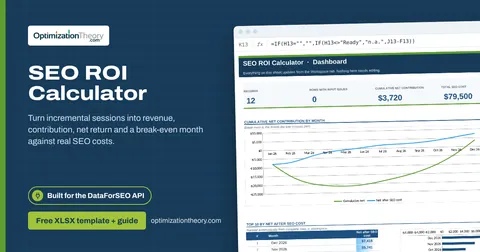
- SEO ROI Calculator: whether SEO is paying back, by month and cumulatively, after real costs, and when it broke even.
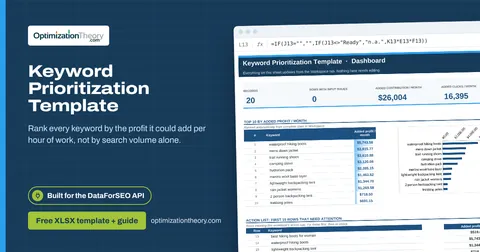
- Keyword Prioritization Template: which keywords deserve your next hours of work, ranked by the monthly profit each could add per hour invested, with every assumption visible and editable.
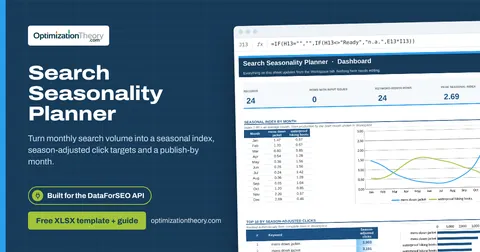
- Search Seasonality Planner: when demand for each keyword peaks, how much to scale traffic expectations month by month, and when to start production so content is ranking before the peak.
What's inside the download
One ZIP with the workbook, a 10-column input template (blank and filled), the PDF field guide and an offline script that converts saved DataForSEO responses into the input CSV. The workbook has five tabs.
How the SEO forecasting calculation works
Baseline clicks = volume × baseline CTR × seasonality. Added clicks = volume × (target CTR − baseline CTR, min 0) × seasonality × attainment. Added contribution = added clicks × conversion rate × value per conversion.
The key formula, exactly as it appears in the workbook
=IF(K13="","",IF(K13<>"Ready","n.a.",M13*H13*I13))
| Result column | Plain-English formula | What it tells you |
|---|---|---|
| Baseline modeled clicks | Monthly searches × Baseline CTR × Seasonal multiplier | Modeled baseline for the selected month. |
| Added modeled clicks | Monthly searches × MAX(0,Target CTR-Baseline CTR) × Seasonal multiplier × Attainment factor | Incremental opportunity after seasonal and attainment factors. |
| Added monthly contribution | Added modeled clicks × Conversion rate × Value per conversion | Forecast contribution based on the input conversion economics. |
How to use the SEO forecast template
- Deduplicate into clustersOne row per cluster, using the primary keyword's volume or the cluster's combined volume, never both.
- Set baseline and target CTRBaseline from Search Console; target for the position you can credibly reach.
- Apply attainment and seasonalityAttainment discounts the gain (0.5 to 0.7 is sensible). Seasonality scales a specific month (1.0 = average).
- Present ranges, not pointsCopy the sheet for conservative and stretch scenarios by changing attainment and target CTR.
The worked example in the Workspace tab. Clear the lime input cells, paste your CSV at A13 (values only) and every result recalculates.
Fill the SEO forecast template with DataForSEO
Every template in this library is built to run on DataForSEO data. This one uses DataForSEO Labs: Keyword Overview: search volume, monthly history, difficulty and intent for a list of keywords.
Most of the data columns fill automatically. Add the business inputs listed below, then paste.
- Request the dataSend this request with your DataForSEO API login (HTTP Basic auth).
POST https://api.dataforseo.com/v3/dataforseo_labs/google/keyword_overview/live [ { "keywords": [ "your keyword 1", "your keyword 2" ], "location_code": 2840, "language_code": "en" } ]
- Save the full JSON responseSave the complete response, not just the task ID, next to the template folder.
- Convert it with the included scriptIt runs offline, makes no API calls and never sees your credentials.
python3 Automation/dataforseo_import.py import --template 31 --input response.json --output my-inputs.csv
- Add what the API can't knowCluster ID, Baseline CTR, Target CTR, Attainment factor, Seasonal multiplier, Conversion rate, Value per conversion
- Paste at A13Clear the demo rows, paste the CSV values at Workspace cell A13 and the dashboard updates.
| Fills automatically from DataForSEO | You add |
|---|---|
| Keyword, Monthly searches | Cluster ID, Baseline CTR, Target CTR, Attainment factor, Seasonal multiplier, Conversion rate, Value per conversion |
Source reference fills automatically with the task ID, endpoint, location, language, device and snapshot time, so every row is traceable. Before a big pull, estimate the cost with the DataForSEO pricing calculator. The same steps, plus an example request file, are in the download's Automation folder.
Worked example: Northbeam Outdoor
Every template ships filled with data from Northbeam Outdoor, a fictional outdoor-gear retailer that appears across all 40 workbooks, so you can see what useful output looks like before you add your own. This workbook has 18 example rows.
The example portfolio adds roughly 10,400 modeled clicks and $12,800 in monthly contribution, led by the men's down jacket, trail running shoe and women's rain jacket clusters.
Top 10 by added monthly contribution
| # | Cluster ID | Added monthly contribution |
|---|---|---|
| 1 | CL-08 | $1,649 |
| 2 | CL-09 | $1,633 |
| 3 | CL-17 | $1,602 |
| 4 | CL-14 | $1,121 |
| 5 | CL-18 | $1,058 |
Input fields
Keep the columns in this order when you prepare a CSV. A missing observation stays blank; use 0 only for a measured zero or a verified No. Fields marked DataForSEO can be filled automatically by the included script.
| CSV field | Column | Meaning and rule | Source |
|---|---|---|---|
| cluster_id | Cluster ID | Unique nonoverlapping demand cluster. Do not repeat the same intent family. | Your records |
| keyword | Keyword | Exact query in the selected country and language. | DataForSEO: keyword |
| search_volume | Monthly searches | Provider monthly search-volume estimate. Use one market, language and source date. | DataForSEO: search_volume |
| baseline_ctr | Baseline CTR | Assumed organic click-through rate as a decimal. Calibrate by device, brand and SERP layout. Decimal: 0.08 = 8%. | Your records |
| target_ctr | Target CTR | Assumed organic click-through rate as a decimal. Calibrate by device, brand and SERP layout. Decimal: 0.08 = 8%. | Your records |
| attainment | Attainment factor | Planning haircut for partial target attainment. Decimal: 0.08 = 8%. | Your records |
| seasonality | Seasonal multiplier | Demand relative to an average month. 1 means average. | Your records |
| conversion_rate | Conversion rate | Conversions divided by eligible organic sessions for the same segment. This is an assumption. Decimal: 0.08 = 8%. | Your records |
| value_per_conversion | Value per conversion | USD contribution profit per conversion or expected lead profit. Use one value basis. | Your records |
| source_ref | Source reference | Task ID, export filename and observation scope. Retain the untouched source response separately. Optional. | DataForSEO: source_ref |
Reading the result honestly
A forecast is conditional on the entered assumptions. Use it to discuss a range by changing and saving a clearly labeled planning case.
Limits. Do not add secondary keywords from the same cluster as independent demand. This is a one-month steady-state opportunity, not a timing model.
SEO forecasting mistakes to avoid
Tips from practice
- Use the seasonality planner's index for the seasonality column.
- Compare forecast to actuals monthly in the SEO ROI calculator.
- Feed winning clusters into the 90-day roadmap.
Frequently asked questions
How do you forecast SEO traffic?
Estimate the CTR you can achieve for each keyword cluster, multiply by search volume and an attainment factor, adjust for seasonality, then convert to conversions and value.
How accurate are SEO forecasts?
They're planning estimates, not promises. Accuracy improves with your own CTR data, conservative attainment and regular comparison to actuals.
What's an attainment factor?
A discount for how much of the modeled gain you expect to actually capture, accounting for competition, execution and time.
Can I forecast revenue with this template?
Yes. Use value per conversion as contribution (margin) for profit, or average order value for revenue.
Use it with these templates
Each template answers one decision. These are the ones that feed into, or follow from, the SEO forecast template.
32SEO ROI CalculatorLabs: Ranked Keywords
Turn incremental sessions into revenue, contribution, net return and a break-even month against real SEO costs.
01Keyword Prioritization TemplateLabs: Keyword Overview
Rank every keyword by the profit it could add per hour of work, not by search volume alone.
05Search Seasonality PlannerLabs: Keyword Overview
Turn monthly search volume into a seasonal index, season-adjusted click targets and a publish-by month.
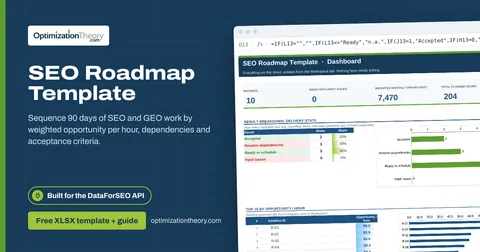
40SEO Roadmap TemplateOn-Page API
Sequence 90 days of SEO and GEO work by weighted opportunity per hour, dependencies and acceptance criteria.
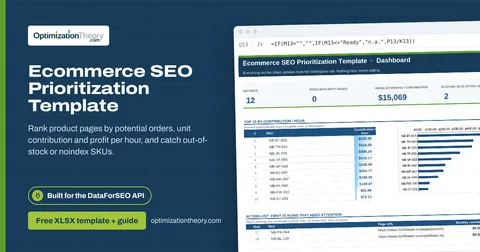
36Ecommerce SEO Prioritization TemplateLabs: Keyword Overview
Rank product pages by potential orders, unit contribution and profit per hour, and catch out-of-stock or noindex SKUs.
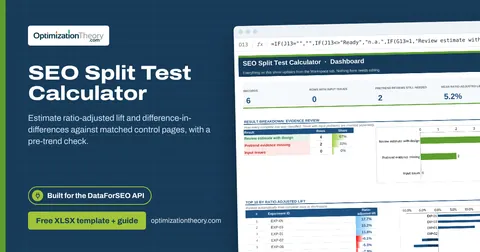
33SEO Split Test CalculatorLabs: Ranked Keywords
Estimate ratio-adjusted lift and difference-in-differences against matched control pages, with a pre-trend check.
Part of the SEO Business & Delivery Toolkit
Get all 10 SEO Business & Delivery templates in one ZIP, or the complete set of 40 SEO and GEO templates with the 401-page field handbook.
Further reading on Optimization Theory

Built by Jourdan Rombough, technical SEO and GEO consultant with 15+ years in search. About Jourdan or get an SEO plan.
More on digital marketing in our blog
See all posts