Answer Evidence Audit Template
Answer Evidence Audit Template
Check every claim for a supporting source, original value, clarity and freshness, so AI answers can quote and cite it.
Which claims on a page are verified, original, clear and current, and what each unfinished claim needs next.
- Excel workbook (.xlsx), opens in Google Sheets
- PDF field guide, 9 to 11 pages
- Blank and worked CSV templates
- DataForSEO import script
Free, no email required. Version 3.0, updated November 2026.
=IF(J13="","",IF(J13<>"Ready","n.a.",IF(E13=0,"Verify claim",IF(F13=0,"Add original evidence",IF(G13=0,"Clarify answer",IF(H13=0,"Update facts","Editorial review complete"))))))The formula above is the real one from cell L13. Scroll it sideways to read the whole rule.
Connected to the DataForSEO API
This template is designed around one DataForSEO endpoint. Pull the data, convert it with one command, and the workbook does the rest.
DataForSEO On-Page APIA crawl of your site: URLs, status codes, canonicals, inlinks and sitemap membershipon_page/task_post
Save the JSON responseThe full API response, kept as your source of truth.response.json
Run the import scriptOffline. No API calls, no credentials.dataforseo_import.py import --template 28 --csv
Paste at A13Dashboard, checks and action list update instantly.Answer Evidence Audit Template.xlsx
Column map for this template:Filled by the APIAudit trail (automatic)You add
What the answer evidence audit template decides
AI answer engines lift short, specific passages and cite where they came from. Pages that make vague claims, repeat what everyone else says, or cite nothing are easy to summarize and easy to skip. Pages with clear, sourced, original answers are what gets quoted.
This GEO content audit template (we call it the Answer Evidence Audit) breaks a page into question and claim pairs. Each claim is checked for four things: a primary source that supports it, original value, a clear answer, and current information. The template counts open checks and tells you the next action for each claim.
Who it's for
- SEOs optimizing pages for AI Overviews, ChatGPT and Perplexity
- Editors fact-checking high-value pages
- Subject matter experts reviewing content
- Teams refreshing pages that rank but aren't cited
Where it fits in your workflow
The answer evidence audit template answers one question. These three templates answer the questions around it:
- SEO Content Brief Template: which sections of a page are ready to publish, and what each unfinished section needs next: writing, fact-checking or editor approval.
- AI Citation Tracker: how often AI answers cite your site, on which platforms and prompts, measured over an explicit set of valid, observed answers.
- Brand Entity Consistency Audit: which third-party profiles state your brand facts incorrectly, and which corrections to request and from whom.
What's inside the download
One ZIP with the workbook, a 9-column input template (blank and filled), the PDF field guide and an offline script that converts saved DataForSEO responses into the input CSV. The workbook has five tabs.
How the GEO content audit calculation works
Open checks = 4 − (source supports + original value + answer clear + current). Next action follows the first failed check in order: Verify claim, Add original evidence, Clarify answer, Update facts, otherwise Editorial review complete.
The key formula, exactly as it appears in the workbook
=IF(J13="","",IF(J13<>"Ready","n.a.",IF(E13=0,"Verify claim",IF(F13=0,"Add original evidence",IF(G13=0,"Clarify answer",IF(H13=0,"Update facts","Editorial review complete"))))))
| Result column | Plain-English formula | What it tells you |
|---|---|---|
| Open checks | 4-SUM(Source supports claim,Original contribution,Answer clear in context,Current as of review) | Unmet editorial evidence checks. |
| Next action | IF(Source supports claim=0,"Verify claim",IF(Original contribution=0,"Add original evidence",IF(Answer clear in context=0,"Clarify answer",IF(Current as of review=0,"Update facts","Editorial review complete")))) | First unmet evidence task. |
The results you will see
Verify claimAdd original evidenceClarify answerUpdate factsEditorial review complete
Green meets the checks, red needs fixing first, amber needs a human decision and blue marks an opportunity. Rows with missing or out-of-range inputs are held back in the Input check column until they're fixed, so a half-filled row never sneaks into a total.
How to use the answer evidence audit template
- Pick a high-value pageStart with pages that rank but aren't cited in AI answers.
- List question and claim pairsWrite the question each section answers and the one-sentence claim it makes.
- Check the evidenceRecord the primary source. Mark supports, original value, clear and current as 1 or 0.
- Work the next actionsVerify claims first, then add original evidence, clarify, and update facts.
The worked example in the Workspace tab. Clear the lime input cells, paste your CSV at A13 (values only) and every result recalculates.
Fill the answer evidence audit template with DataForSEO
Every template in this library is built to run on DataForSEO data. This one uses DataForSEO On-Page API: a crawl of your site: URLs, status codes, canonicals, inlinks and sitemap membership.
This is a sign-off workflow. DataForSEO responses are the evidence you attach; the human checks stay manual by design.
- Request the dataSend this request with your DataForSEO API login (HTTP Basic auth).
POST https://api.dataforseo.com/v3/on_page/task_post [ { "target": "yourdomain.com", "max_crawl_pages": 1000 } ]
Post the crawl task, wait for it to finish, then request on_page/pages with {"id": "<task id>", "limit": 1000} and save that response.
- Save the full JSON responseSave the complete response, not just the task ID, next to the template folder.
- Convert it with the included scriptIt runs offline, makes no API calls and never sees your credentials.
python3 Automation/dataforseo_import.py import --template 28 --csv --input my-filled.csv --output my-inputs.csv
- Add what the API can't knowReader question, Material claim, Primary source, Source supports claim, Original contribution, Answer clear in context, Current as of review
- Paste at A13Clear the demo rows, paste the CSV values at Workspace cell A13 and the dashboard updates.
| Fills automatically from DataForSEO | You add |
|---|---|
| Page URL | Reader question, Material claim, Primary source, Source supports claim, Original contribution, Answer clear in context, Current as of review |
Source reference fills automatically with the task ID, endpoint, location, language, device and snapshot time, so every row is traceable. Before a big pull, estimate the cost with the DataForSEO pricing calculator. The same steps, plus an example request file, are in the download's Automation folder.
Worked example: Northbeam Outdoor
Every template ships filled with data from Northbeam Outdoor, a fictional outdoor-gear retailer that appears across all 40 workbooks, so you can see what useful output looks like before you add your own. This workbook has 8 example rows.
The example sleeping bag guide has a claim copied from a forum with no source, and one citing a standard that was replaced in 2016. Both are exactly the kind of errors an AI system can contradict.
Top 10 by open checks
| # | Page URL | Open checks |
|---|---|---|
| 1 | https://www.northbeam.example/guides/choose-sleeping-bag/ | 3 |
| 2 | https://www.northbeam.example/guides/choose-sleeping-bag/ | 2 |
| 3 | https://www.northbeam.example/guides/choose-sleeping-bag/ | 2 |
| 4 | https://www.northbeam.example/guides/choose-sleeping-bag/ | 1 |
| 5 | https://www.northbeam.example/guides/choose-sleeping-bag/ | 1 |
Input fields
Keep the columns in this order when you prepare a CSV. A missing observation stays blank; use 0 only for a measured zero or a verified No. Fields marked DataForSEO can be filled automatically by the included script.
| CSV field | Column | Meaning and rule | Source |
|---|---|---|---|
| url | Page URL | Exact absolute URL. Keep case and query parameters unless a documented normalization rule applies. | DataForSEO: url |
| question | Reader question | One specific question the passage answers. | Your records |
| claim | Material claim | A factual claim or calculation requiring support. | Your records |
| primary_source | Primary source | Inspectable source URL or documented original dataset. | Your records |
| source_supports | Source supports claim | 1 after checking the source supports the exact claim. 1 = Yes, 0 = No. | Your records |
| original_value | Original contribution | 1 after verifying a useful original example, measurement or expert observation. 1 = Yes, 0 = No. | Your records |
| answer_clear | Answer clear in context | 1 after editorial review for clarity and context. 1 = Yes, 0 = No. | Your records |
| current | Current as of review | 1 after checking facts and source dates for this review. 1 = Yes, 0 = No. | Your records |
| source_ref | Source reference | Task ID, export filename and observation scope. Retain the untouched source response separately. Optional. | DataForSEO: source_ref |
Reading the result honestly
Use this to improve content quality and auditability. Keep the answer useful to the reader rather than writing for a supposed machine score.
Limits. These are Optimization Theory workflow checks. Google and AI platforms do not publish this as a citation formula.
GEO content audit mistakes to avoid
Tips from practice
- Run this on every page in your content brief workflow before publishing.
- Track which claims get cited using the AI citation tracker.
- Original data is the strongest citation magnet. Add a number only you have.
Frequently asked questions
What is a GEO content audit?
A review of a page's claims and answers to make them accurate, sourced, original and clear enough for AI answer engines to quote and cite.
How do I get cited in AI Overviews?
Rank well, answer specific questions clearly, support claims with primary sources and add original information. There's no special markup that guarantees it.
What counts as original value?
Your own data, tests, photos, expert experience or analysis that isn't available on other pages.
How often should I audit answers?
Whenever facts change, and at least annually for high-value pages.
Use it with these templates
Each template answers one decision. These are the ones that feed into, or follow from, the answer evidence audit template.
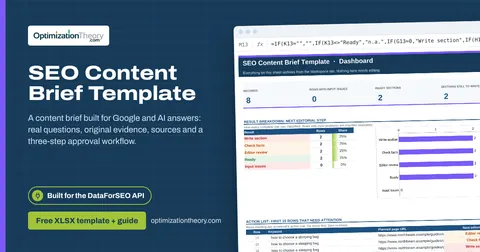
19SEO Content Brief TemplateLabs: Keyword Overview
A content brief built for Google and AI answers: real questions, original evidence, sources and a three-step approval workflow.
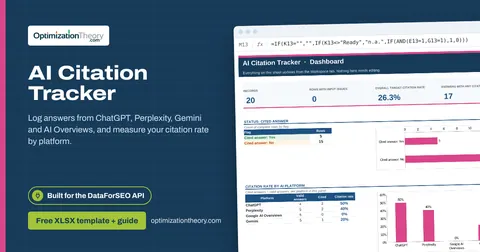
26AI Citation TrackerAI Optimization: LLM Mentions
Log answers from ChatGPT, Perplexity, Gemini and AI Overviews, and measure your citation rate by platform.
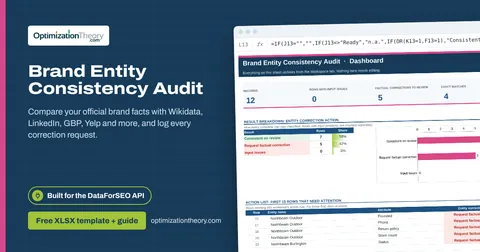
29Brand Entity Consistency AuditAI Optimization: LLM Mentions
Compare your official brand facts with Wikidata, LinkedIn, GBP, Yelp and more, and log every correction request.
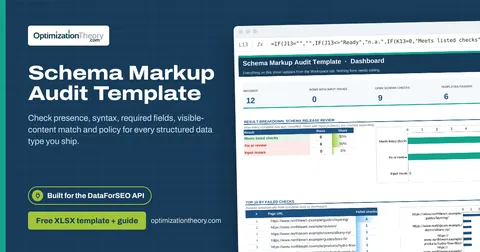
18Schema Markup Audit TemplateOn-Page API
Check presence, syntax, required fields, visible-content match and policy for every structured data type you ship.
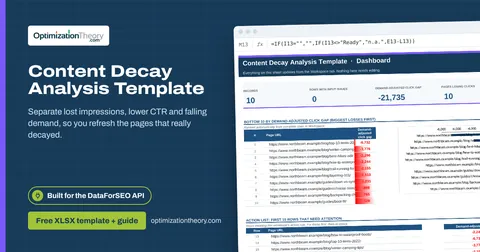
21Content Decay Analysis TemplateLabs: Ranked Keywords
Separate lost impressions, lower CTR and falling demand, so you refresh the pages that really decayed.
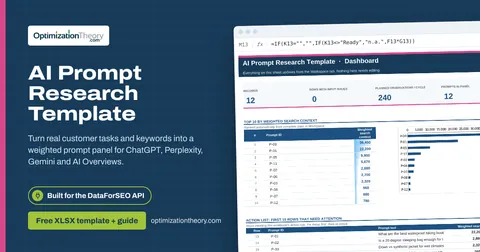
25AI Prompt Research TemplateLabs: Keyword Overview
Turn real customer tasks and keywords into a weighted prompt panel for ChatGPT, Perplexity, Gemini and AI Overviews.
Part of the AI Visibility & GEO Toolkit
Get all 6 AI Visibility & GEO templates in one ZIP, or the complete set of 40 SEO and GEO templates with the 401-page field handbook.
Further reading on Optimization Theory

Built by Jourdan Rombough, technical SEO and GEO consultant with 15+ years in search. About Jourdan or get an SEO plan.
More on digital marketing in our blog
See all posts