Technical SEO Audit Templates: 6 Free Workbooks
Technical SEO Audit Templates: 6 Free Workbooks
Turn crawl findings into a ranked fix queue, then validate the work: fix prioritization, crawl budget and log analysis, Core Web Vitals, internal links, XML sitemaps and schema markup QA.
- 6 Excel workbooks with dashboards
- 6 PDF field guides
- Blank and worked CSV templates
- DataForSEO import scripts
Free, no email required. Version 3.0, updated November 2026.
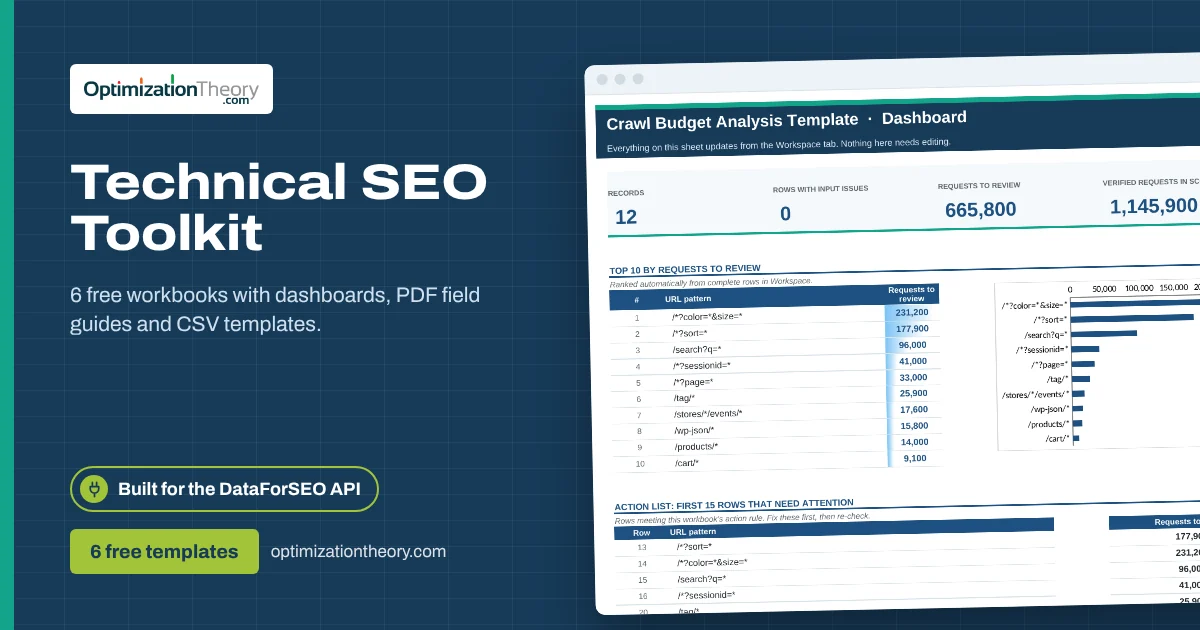
Every Technical SEO template connects to DataForSEO
Each workbook names its endpoint, ships with an example request and converts the saved response with one command.
DataForSEO APILabs, SERP, On-Page, Backlinks and AI Optimization endpointsapi.dataforseo.com/v3/
Save the JSON responseYour untouched source of truth.response.json
Run one commandThe included script maps it to the template's columns.dataforseo_import.py import
Paste and decideDashboard, checks and action list update.Workspace!A13
on_page/task_postWhat this toolkit is for
A technical SEO audit is only useful if it changes what developers do next sprint. Crawler exports list everything; they don't say what's worth fixing first, and they don't prove a fix shipped.
These technical SEO audit templates do both. The prioritizer ranks issues by recoverable clicks and profit per hour of effort. The five validation workbooks each focus on one area (crawl waste in verified logs, Core Web Vitals field data, internal link opportunities, sitemap reconciliation and structured data) and each ends in a clear pass, fix or review decision with evidence.
The 6 templates, in the order to use them
Start with the prioritizer to choose what to work on, then use the matching validation workbook to confirm each fix.
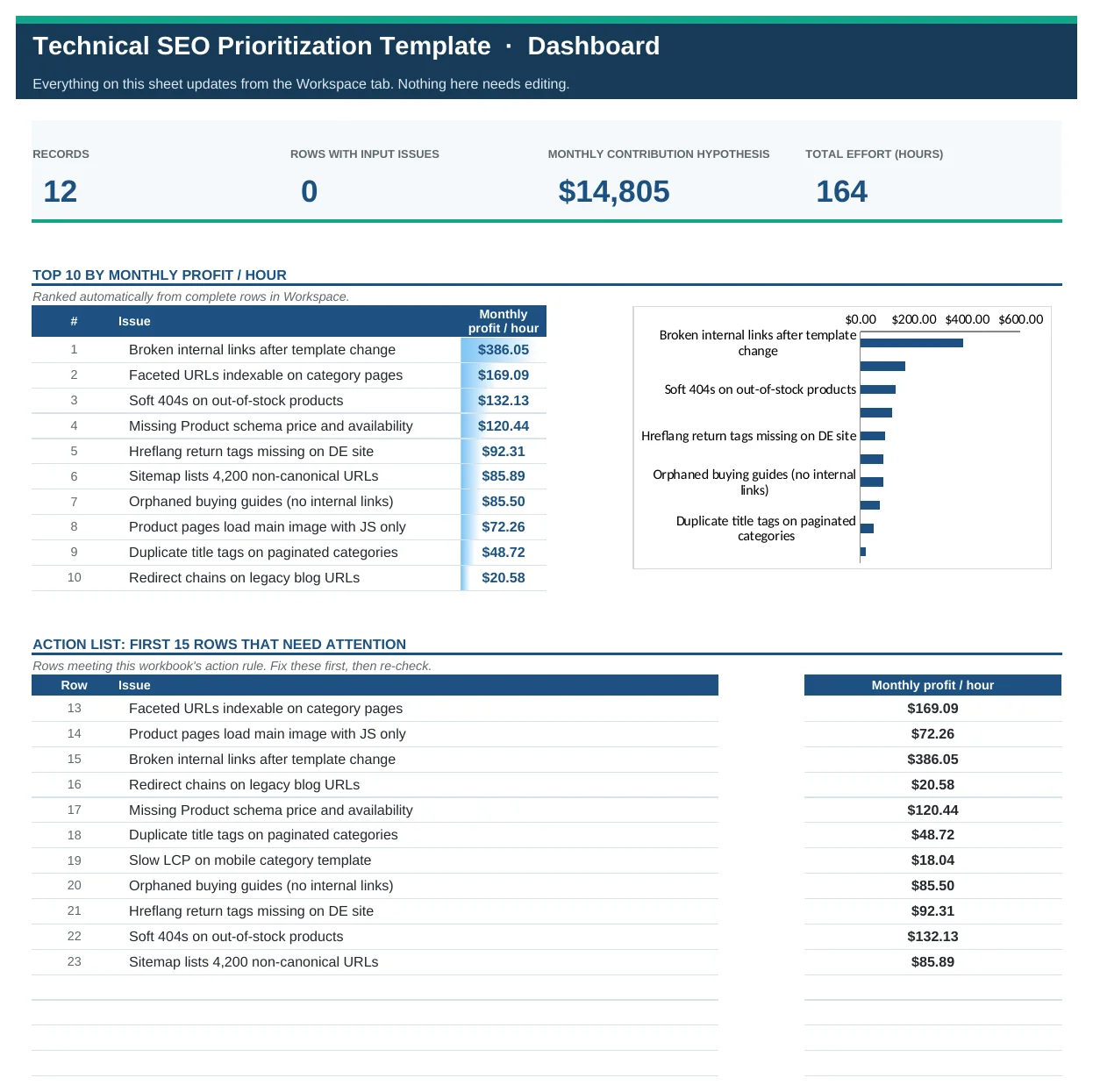
Technical SEO Prioritization Template
Turn a technical SEO audit into a ranked fix queue by recovered clicks, profit and profit per hour of dev time.
Which technical issues to fix first, ranked by an explicit estimate of recoverable clicks and monthly profit per hour of effort.
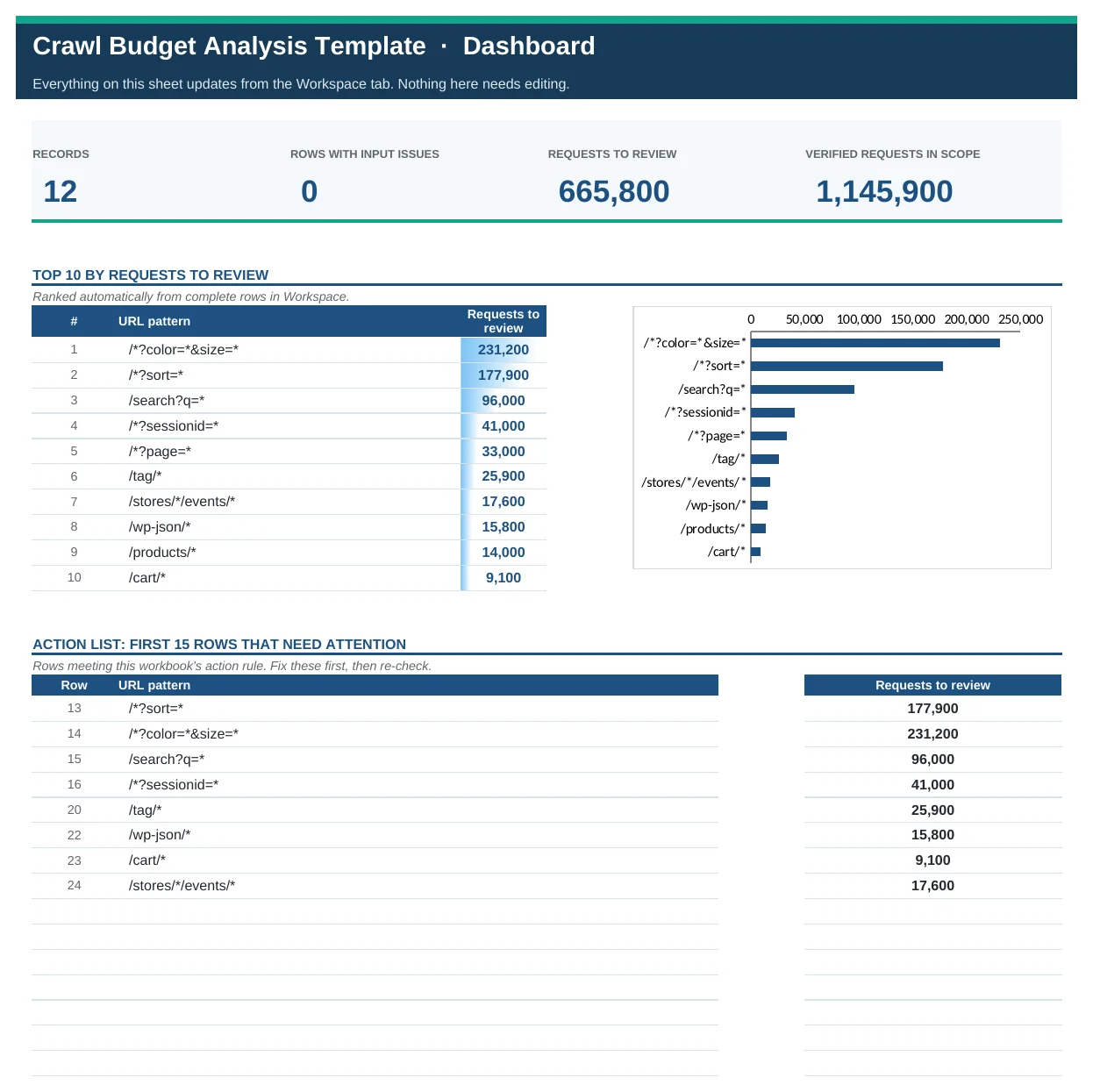
Crawl Budget Analysis Template
Group verified Googlebot requests by URL pattern, measure crawl waste and pick the right fix for each pattern.
Which URL patterns soak up crawl requests without returning value, how much crawl activity each wastes, and what to do about it.
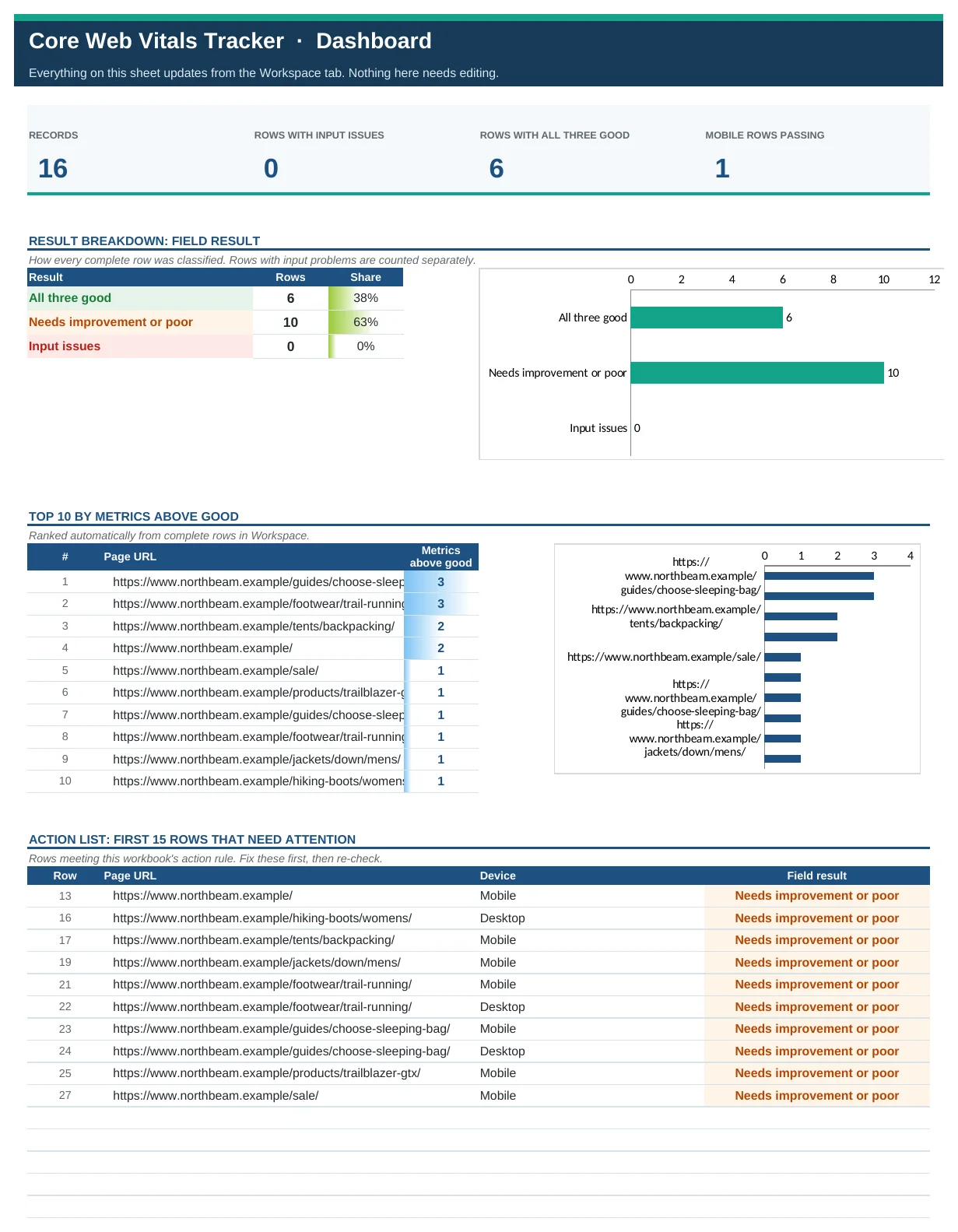
Core Web Vitals Tracker
Log p75 LCP, INP and CLS by URL and device, test against Google's good thresholds and see what fails.
Which pages and devices pass all three Core Web Vitals at the 75th percentile, and which metrics are failing where.
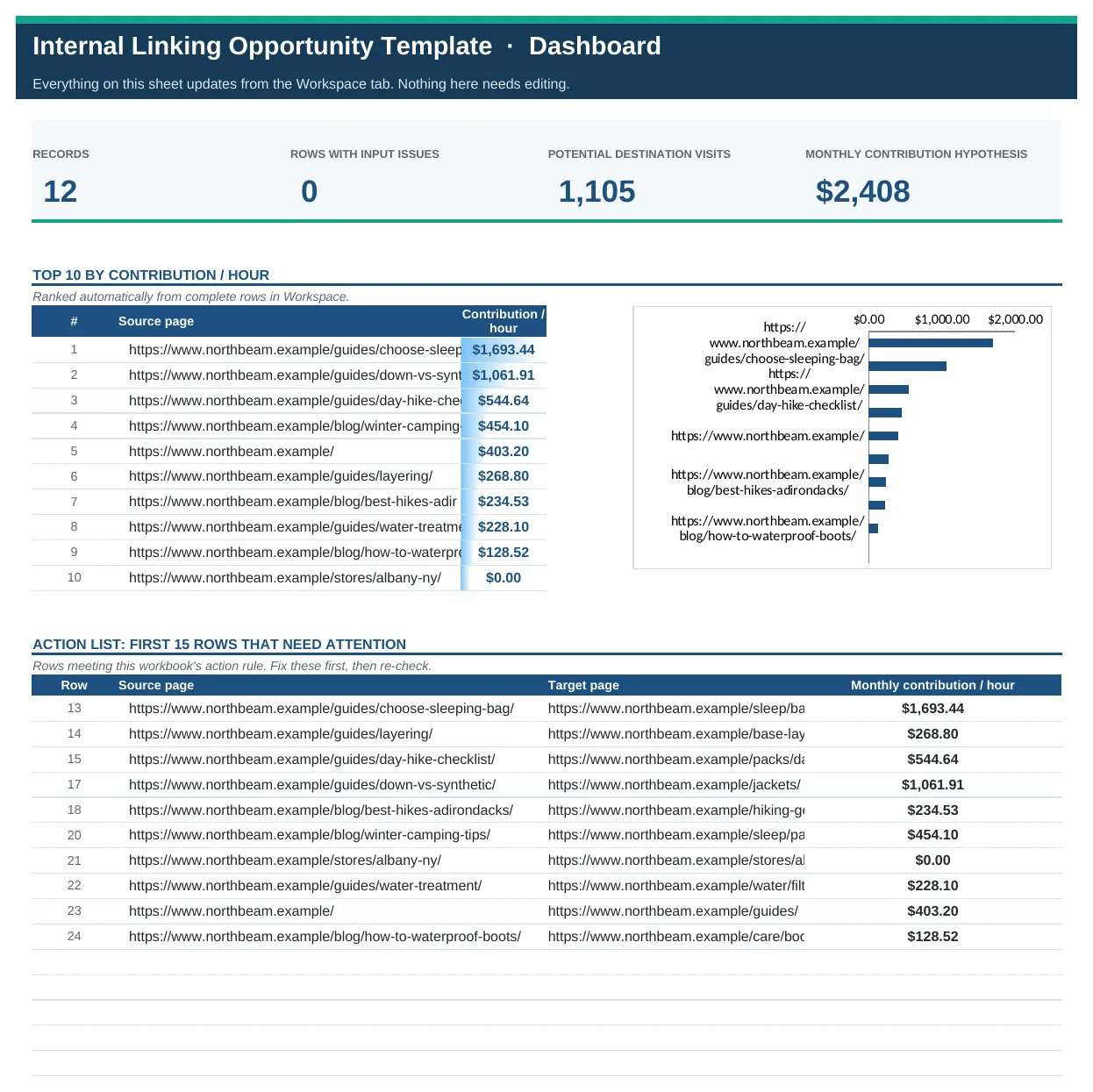
Internal Linking Opportunity Template
Score each source-to-target internal link by expected visits and contribution per hour, then verify it went live.
Which internal links to add first, based on the source page's traffic, the expected link click-through and the value of the destination.
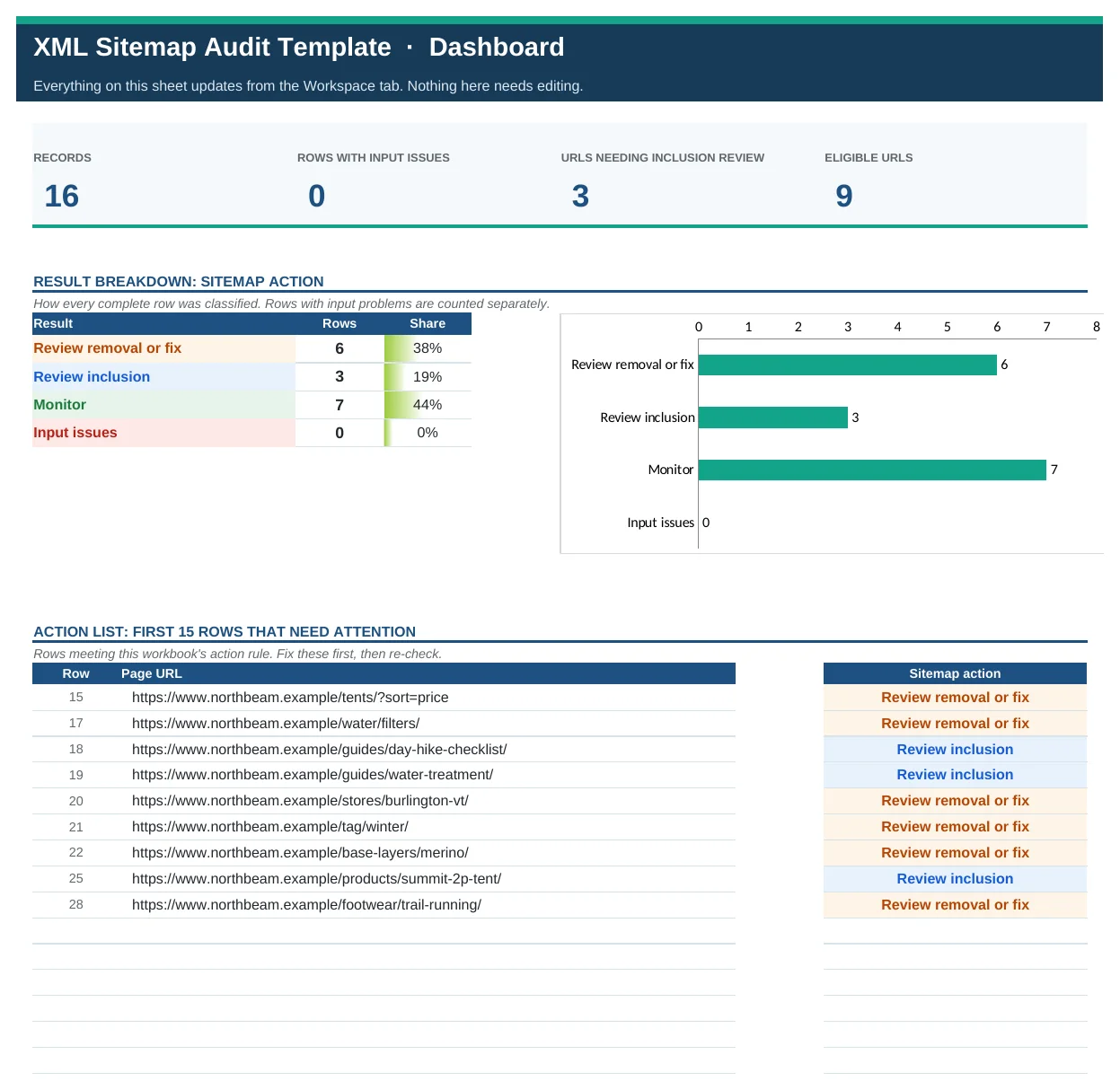
XML Sitemap Audit Template
Reconcile sitemap URLs against status, canonical, robots and noindex to see what to add, remove or fix.
Which URLs should be removed from your XML sitemap (or fixed), which eligible URLs are missing from it, and which are fine.
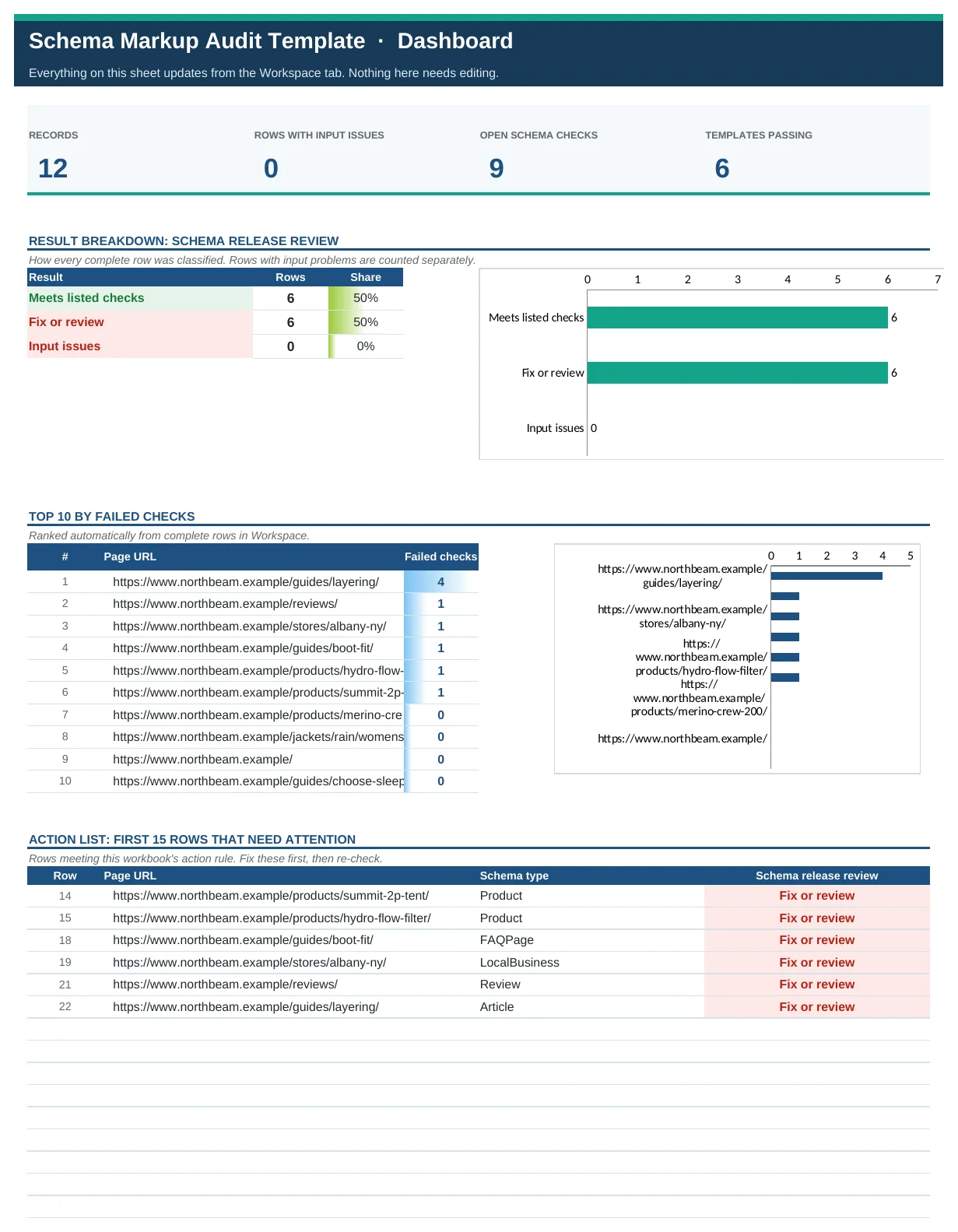
Schema Markup Audit Template
Check presence, syntax, required fields, visible-content match and policy for every structured data type you ship.
Which pages and schema types are ready to release, and which fail on syntax, required properties, content mismatch or policy.
Built to run on DataForSEO
Every template in the Technical SEO Toolkit is designed around a DataForSEO endpoint. Pull the data, convert it with the included script, add the inputs only you know, and paste.
dataforseo_import.py turns the saved JSON response into the template's input CSV. It runs offline and never touches your credentials.| Template | DataForSEO source | Columns it fills for you |
|---|---|---|
| Technical SEO Prioritization Template | On-Page APIon_page/task_post |
Audit trail; checks stay manual |
| Crawl Budget Analysis Template | On-Page APIon_page/task_post |
Audit trail; checks stay manual |
| Core Web Vitals Tracker | On-Page APIon_page/task_post |
Page URL |
| Internal Linking Opportunity Template | On-Page APIon_page/task_post |
Source page |
| XML Sitemap Audit Template | On-Page APIon_page/task_post |
Page URL, Listed in sitemap, HTTP status, Canonical URL |
| Schema Markup Audit Template | On-Page APIon_page/task_post |
Page URL |
Each template page walks through its exact request, and each ZIP includes HOW-TO-USE-WITH-DATAFORSEO.txt, an example request file and the import script. Estimate costs first with the DataForSEO pricing calculator.
What's in every workbook
- Start Here: the decision it answers, a four-step setup and a colour key.
- Dashboard: KPI cards, a result breakdown or Top 10 chart, and an automatic action list of the rows that need attention.
- Workspace: the working table with dropdowns, Yes/No fields, range checks and colour-coded results.
- Delivery QA: a sign-off register that only counts a check as Verified with evidence, an owner and a date.
- Field Guide: every input defined and every formula written out in plain English.
Each ZIP also includes the PDF field guide, blank and worked CSV templates, and an offline script that turns saved DataForSEO API responses into the input CSV.
Frequently asked questions
What's included in a technical SEO audit template?
Issue lists with owners and evidence, impact and effort estimates, and validation registers. This toolkit adds calculated priorities, field-data thresholds and automatic pass or fix labels.
Can I use these with Screaming Frog or Sitebulb?
Yes. Export from your crawler, keep the columns each template lists, and paste values at row 13 of the Workspace tab.
Do I need server logs?
Only for the crawl budget analysis. Everything else works from crawls, Search Console, CrUX and validators.
Are these suitable for large sites?
Each workbook supports 250 to 1,000 rows. For bigger sites, group URLs by template or pattern first; that's usually the more useful view anyway.
The other five toolkits
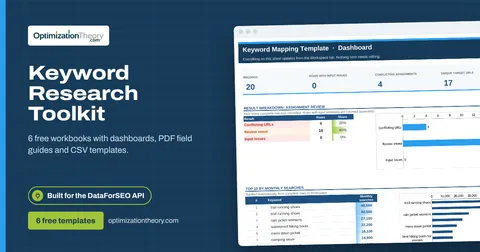
Keyword Research Toolkit
Six connected spreadsheets that take you from a raw keyword export to a ranked, mapped, season-aware plan: prioritization, keyword mapping, SERP clustering, gap analysis, seasonality and visibility tracking.
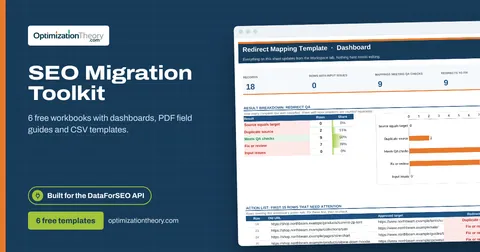
SEO Migration Toolkit
Everything a site migration needs to keep its traffic: a URL inventory, a redirect map with built-in QA, a launch checklist with blocker flags, control-adjusted post-launch monitoring, and indexability and hreflang audits.
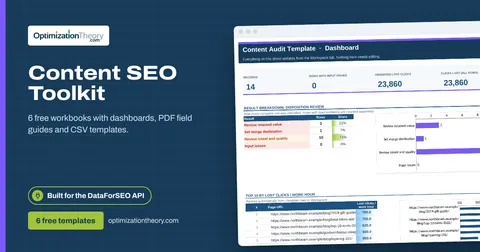
Content SEO Toolkit
Six free content SEO templates for the full content lifecycle: brief new pages for search and AI answers, audit and prune what exists, diagnose decay, fix cannibalization, schedule production and test titles honestly.
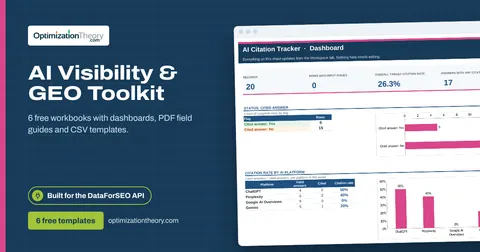
AI Visibility & GEO Toolkit
Measure and improve how AI answer engines see you: prompt research, an AI citation tracker, AI share of voice, an answer evidence audit, a brand entity audit and AI referral tracking.
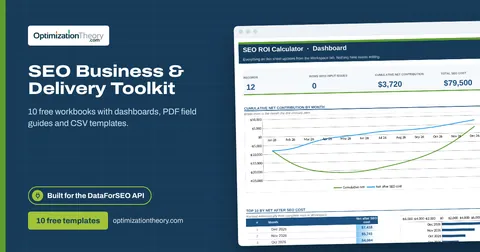
SEO Business & Delivery Toolkit
The business side of SEO in ten workbooks: forecasting, ROI, split testing, link reclamation, local rank grids, ecommerce prioritization, programmatic SEO QA, API budgeting, client onboarding and a 90-day roadmap.
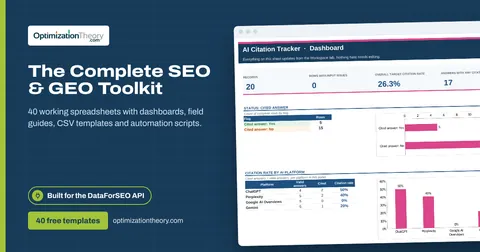

Built by Jourdan Rombough, technical SEO and GEO consultant. About Jourdan or see SEO services.
More on digital marketing in our blog
See all posts